
Noseberry Digitals
React Native or Native iOS and Android: Which Is Right for Your Real Estate App?
Published March 31, 2026|4 min read
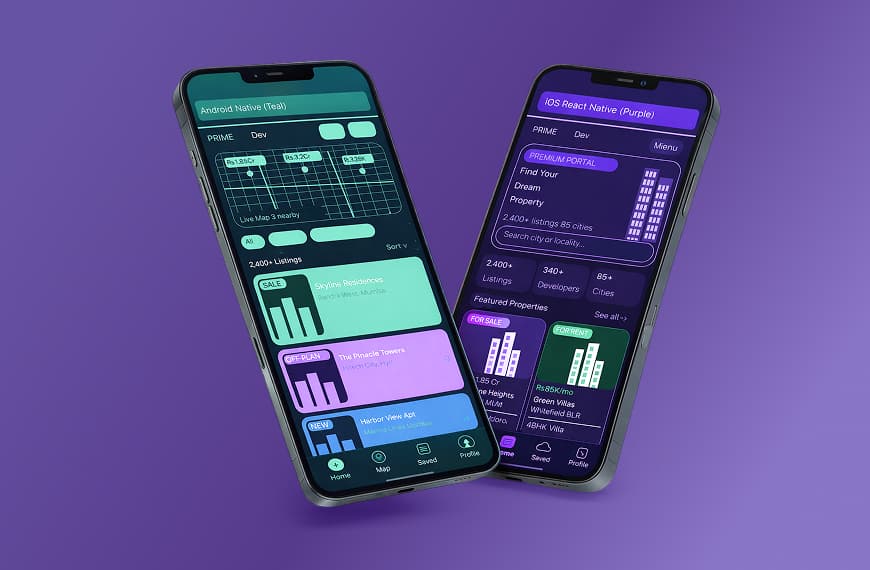
Building a property app is a significant investment. Before your team writes a single line of code, one decision will shape your budget, your timeline, and your long-term flexibility: do you build with React Native or go native on iOS and Android separately? Neither answer is universally right. The better question is which approach fits […]
Building a property app is a significant investment. Before your team writes a single line of code, one decision will shape your budget, your timeline, and your long-term flexibility: do you build with React Native or go native on iOS and Android separately? Neither answer is universally right. The better question is which approach fits what your app actually needs to do. This guide breaks down both options honestly so your team can make a grounded decision.
One Codebase or Two: The Core Trade-Off
React Native is a cross-platform framework developed by Meta. It lets developers write one codebase in JavaScript that compiles into native-like components on both iOS and Android. You ship to both platforms from a single project. Native development means building two separate apps: one in Swift or Objective-C for iOS, and one in Kotlin or Java for Android. Each version is purpose-built for its platform. The trade-off is straightforward. React Native saves time and cost upfront. Native gives you full access to platform-specific APIs and generally delivers smoother performance at the extreme end of complexity.
Where Native Development Has the Edge
Native apps have a genuine advantage in specific scenarios. If your app relies heavily on: Augmented reality property walkthroughs that overlay digital information on physical spaces Complex real-time map rendering with many overlapping data layers Biometric authentication with advanced fallback flows Deep integration with device hardware (camera, GPS sensors, gyroscope) …then native gives you the headroom to build those features without workarounds. Native apps also tend to have faster rendering for highly animated interfaces, and platform updates from Apple or Google are immediately available without waiting for a framework patch.
Where React Native Holds Its Own
For the majority of real estate app features, React Native performs at a level that users cannot distinguish from native. Property search, listing feeds, saved favourites, push notifications, in-app messaging, document upload, mortgage calculators, virtual tour embeds, and agent contact forms all work reliably in React Native without meaningful performance compromise. The Hot Reload feature also makes development faster to iterate on, which matters when your product team wants to test and adjust features rapidly.
What Real Estate Apps Actually Demand
Most real estate apps sit in one of these categories: Buyer or tenant-facing listing apps focus on search, filters, listing detail views, photo galleries, map views, and inquiry flows. React Native handles all of this well. Agent field apps need offline access, route planning, form submission, and CRM syncing. React Native can handle this with the right architecture. Property management apps involve maintenance requests, digital payments, lease document management, and communication threads. React Native is well-suited here. Off-plan launch apps with complex 3D floor plans, live availability grids, and real-time reservation flows may benefit from native rendering, though hybrid approaches also work.
Cost and Timeline Differences
React Native typically reduces development time by 30 to 40 percent compared to building two native apps. For a mid-complexity real estate app, that can represent a meaningful saving in both time to market and development cost. Native development for both platforms can cost roughly twice as much if you are maintaining separate codebases with separate teams. The cost difference narrows if your app has highly specialised features that React Native cannot handle without significant bridging or custom native modules. In those cases, you end up writing native code anyway.
Which Teams Tend to Choose Which
Teams that choose React Native are typically: Launching a minimum viable product to test market fit Working across both iOS and Android with a single development team Building a listing platform, tenant portal, or agent productivity tool Running lean with budget constraints that make a dual native build impractical
Teams that choose native are typically: Building AR-first experiences as a core product differentiator Working in markets where platform-specific performance is a competitive requirement Have the budget and timeline to support two separate development tracks
For most real estate businesses, React Native is the practical choice. For companies where advanced hardware features or AR are central to the product, native gives you more room to work. For a deeper look at how we approach mobile app builds for property businesses, visit our Real Estate Mobile App Development page.
Conclusion
The React Native versus native debate is ultimately a feature conversation, not a technology preference. If your app is a listing platform, a tenant portal, an agent field tool, or a property management product, React Native delivers what you need at a lower cost and a faster timeline. The performance difference that matters to engineers rarely matters to the buyers and agents using the product day to day. If AR walkthroughs, complex hardware integration, or platform-level rendering are central to your product rather than nice-to-haves, native gives you the room to build without compromise. The additional cost is justified when those features are genuinely what differentiates your product. For most real estate businesses building their first or second app, the decision is straightforward. Start with React Native, ship across both platforms, and validate the product. If you later need to push into hardware-intensive territory, you will have the user data and the business case to justify going native for specific features at that point. Build for what your app needs today. Solve tomorrow’s problems when they arrive.
Why trust Noseberry
Our content is written by practicing real-estate and PropTech professionals, fact-checked by a dedicated editorial team, and reviewed against the latest industry data before publication.
- 10+ years of industry expertise
- All facts independently verified
- No sponsored rankings in guides
- Updated when the industry changes
Related insights
 Real Estate
What should a PMS do for small-scale property managers?
The ideal PMS for a small-scale property manager (typically 10 to 500 units) should do ten things well: capture every rent payment automatically, log every maintenance ticket with photo evidence and vendor dispatch, hold every tenant lease and document in one searchable place, generate owner and investor statements in one click, run automated rent reminders and late-fee escalation, screen tenants with credit and eviction history, sync with the operator's accounting stack (QuickBooks, Xero), work on mobile so field checks and unit walks happen on a phone, integrate with a website for listing marketing and online applications, and produce broker-visible dashboards that let the manager see occupancy, delinquency, and cash flow at a glance. AppFolio Property Manager Core, Buildium, DoorLoop, Rentec Direct, and Hemlane are the platforms most adopted at this scale in 2026, at $1.40 to $4 per unit per month. This post covers what the ideal PMS should do, which platforms actually deliver it, and how to pick without overpaying.
August 22, 2026 Real Estate
Which AI tools work best for real estate developers in 2026?
The best AI tools for real estate developers in 2026 fall into eight categories that map to the developer lifecycle: land sourcing and site selection (Cherre, Reonomy, HouseCanary, LandGate), feasibility and financial modelling (Northspyre, TestFit, custom Excel plus GPT), design and architectural planning (Autodesk Forma, Higharc, Cove.tool, Snaptrude), construction management and progress tracking (Procore AI, Autodesk Construction Cloud, Buildots, Doxel, OpenSpace), pre-launch marketing and renders (Restb.ai, MidJourney, Adobe Firefly), off-plan sales CRM (Salesforce, HubSpot, Follow Up Boss, Rechat), ESG and net-zero analytics (Measurabl, Enertiv, Aquicore), and handover to operations (BIM AI, tenant portal AI). Used well, they cut construction cost 10 to 20 percent, compress design cycles 30 to 50 percent, and lift off-plan sales conversion 20 to 40 percent. Used badly, they burn subscription budget and produce plans that do not build. This post walks through each category, which tools actually work, and how to sequence adoption.
August 22, 2026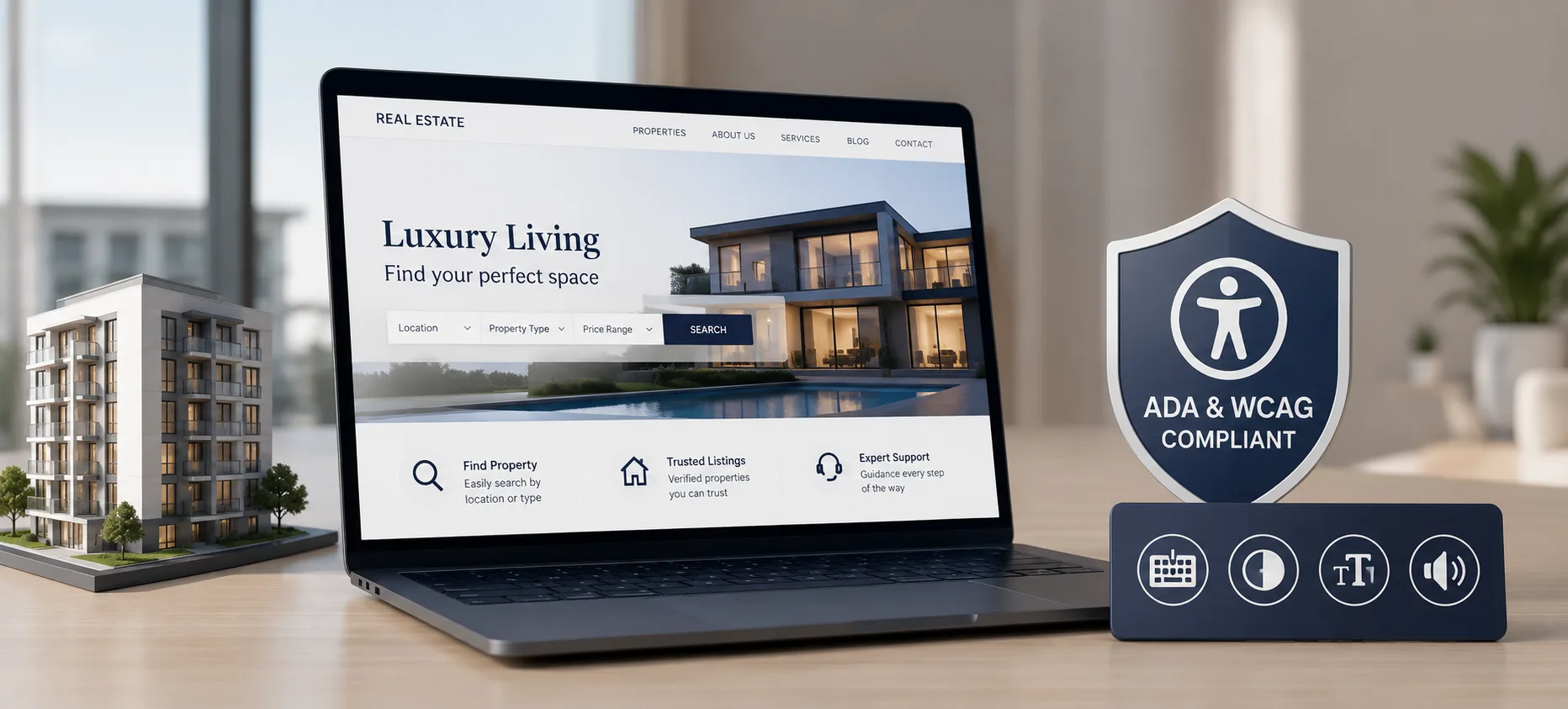 Real Estate
ADA & WCAG Accessibility Compliance for Real Estate Websites: What Operators Must Fix Before They Get Sued
This blog breaks down ADA and WCAG accessibility compliance for real estate websites, focused on what actually creates legal exposure. It explains why WCAG 2.1 Level AA has become the practical legal standard even without a formal Title III regulation for private businesses. It walks through the six accessibility failures responsible for 96% of all detected errors across the web, using real listing-page examples. It also warns against relying on accessibility overlay widgets, citing the FTC's 2025 action against accessiBe over deceptive compliance claims. The piece closes with a step-by-step audit process, an in-house versus compliance-partner comparison, and a 10-question FAQ section.
August 20, 2026
Ready to book a 30-minute strategy call?
We'll map the right digital moves for your real estate business, no pitch deck, no commitment.