
Mayank Pokharna
How to integrate CRM with a real estate website
Published May 26, 2026|9 min read
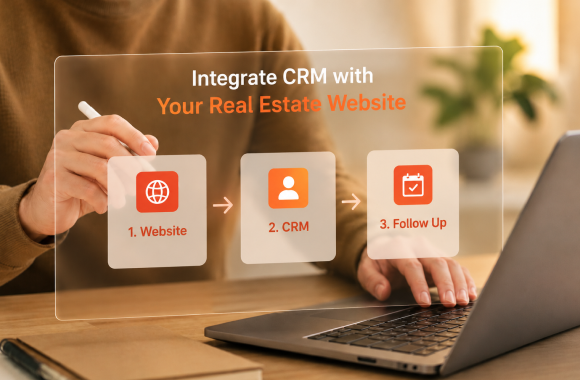
A CRM-integrated real estate website captures every lead, every behavior, and every interaction in one structured database, automatically. The integration should cover six data flows: lead capture, property activity, calendar bookings, communication history, marketing attribution, and post-sale handover. API-first integration is the modern standard. Plugin-based or manual integrations break under volume and lose data over time. The goal is not just data flow. It is a faster response, better qualification, and a sales process that runs without manual handoffs.
A real estate website without a CRM connected to it is a brochure. It looks good, it attracts traffic, and it captures the occasional form fill. But every inquiry that lands there enters a black box. Someone has to manually check an inbox, copy the details into a spreadsheet, assign an agent, set a reminder, and hope the lead does not go cold before anyone follows up. Most of the time, it does.
CRM-to-website integration is what turns that brochure into a working sales engine. Every inquiry, page view, valuation request, and property bookmark becomes structured data inside one system, scored, routed, and acted on automatically.
This article breaks down exactly how to integrate CRM with a real estate website in 2026. The architecture that makes it work, the integrations that matter, the mistakes that derail most projects, and the operating model that turns your website into the single highest-converting channel in your business.
Why CRM-website integration is now table stakes for real estate
Real estate buyers in 2026 expect speed and personalization that only an integrated stack can deliver. A prospect who fills out an inquiry form at 11 pm expects a response within minutes, not the next morning. A returning visitor who has bookmarked three properties expects the next conversation to start where the last one ended. A site visit booked on the website is expected to appear on the agent's calendar instantly.
None of this is possible if your website and CRM are not connected. Manual data transfer always loses fidelity. Inbox-based lead handling always misses response windows. And a sales team operating without context always treats every lead as a cold one.
Properly integrated, the website becomes the front end of your sales process. The CRM becomes the engine. Together, they cover lead capture, qualification, routing, follow-up, nurture, and reporting without an agent ever copying and pasting a single field. We build this layer through our website development, CRM implementation, and systems integration practices, designed specifically for property businesses.
The 5 outcomes a properly integrated CRM delivers
Integration is a technical exercise, but the outcomes are commercial. These are the five things you can measure after the integration is live.
1. Sub-60-second first response
Every form submission triggers an instant acknowledgment by email, SMS, or WhatsApp, and an AI chat or human routing happens within the next minute. Response time becomes a system attribute, not an agent behavior.
2. Full prospect context for every conversation
When an agent opens a lead, the CRM shows every page the prospect visited, every property they bookmarked, every email they opened, and the score the system assigned. The first call starts with relevance, not discovery.
3. Automatic lead scoring and routing
Behavioral data flowing from the website (return visits, time on page, properties viewed, calculator usage) feeds a scoring model that routes high-intent leads to senior agents instantly, and slow-burn leads into automated nurture.
4. Closed-loop attribution
Every lead is tagged with its source campaign, channel, and creative from the moment of capture. When the deal closes, the system tells you exactly which marketing investment produced it.
5. A self-improving funnel
Because every interaction is logged, the funnel learns. Which page converts best for first-time buyers? Which email gets opened most by investors? Which property type attracts the highest-intent leads? The website and CRM together become a feedback engine, not a static asset.
The 6 data flows every real estate integration must cover
A real estate CRM integration is not one connection. It is six. Missing any of them creates a leak in the system.
1. Lead capture flow
Every form on the website (contact, valuation, brochure download, site visit booking, callback request) writes directly to the CRM through API. No middleware spreadsheets, no email forwarding, no manual entry. Each lead arrives with full UTM data, page source, and timestamp.
2. Property activity flow
The website tracks which listings each visitor views, saves, compares, or shares. That behavior streams into the CRM as a property interest record, linked to the lead. Over time, the CRM builds a picture of what each prospect actually wants, far more accurate than what they typed into a form.
3. Calendar and booking flow
Site visit bookings and discovery calls made on the website sync directly with agent calendars (Google Calendar, Outlook, Calendly) and create CRM tasks. Cancellations and reschedules flow both ways. Nothing falls through.
4. Communication flow
Email, SMS, WhatsApp, and call logs from every channel post back into the CRM against the right lead. The next agent who picks up the lead sees the full conversation history, regardless of who handled it last.
5. Marketing attribution flow
Every paid ad click, organic visit, referral, and direct visit gets tagged with source data that survives all the way to the closed deal stage. The CRM stores it as deal-level attribution, not just lead-level. This is what makes ROI reporting trustworthy.
6. Post-sale and CSAT flow
After a deal closes, the integration should keep working. Onboarding emails, document checklists, anniversary touchpoints, and referral requests all run through the CRM, triggered by deal stage changes from the website transaction layer.
The integration architecture, step by step
The implementation usually runs in six phases. Each one builds on the last.
Phase 1: Audit and mapping
Catalogue every form, button, calendar widget, chat tool, and analytics tag on the website. Catalogue every field, pipeline, and automation in the CRM. Map exactly what data needs to flow between them, in which direction, and at what frequency. Most integration failures trace back to this phase being rushed.
Phase 2: CRM configuration
Set up the CRM to receive the data that the website will send. This means creating custom fields for property activity, source attribution, lead score, and behavioral signals. It also means designing the lead lifecycle stages and pipeline structure that match your actual sales process.
Phase 3: API and webhook setup
Connect the website and CRM through APIs and webhooks. Every form submission triggers a webhook to the CRM. Every CRM status change can trigger a webhook back to the website (for example, to show a "your callback is scheduled" confirmation). Native integrations are used when available; custom middleware is built when not.
Phase 4: Automation and routing rules
Configure the rules engine inside the CRM. First-touch automation, lead scoring thresholds, agent assignment logic, follow-up cadences, and escalation paths all get defined and tested. We build these as part of our custom AI and CRM implementation work, tuned to real estate sales motions.
Phase 5: Testing and parallel run
Run the integration in parallel with existing manual processes for two to four weeks. Compare the lead counts captured, response times, and CRM activity against the manual baseline. Identify and fix any data gaps before full cutover.
Phase 6: Go-live and monitoring
Switch fully to the integrated system. Set up monitoring dashboards that flag any drops in lead flow, response time, or CRM sync failures. Schedule monthly reviews for the first quarter to refine scoring, automation, and reporting.
Common mistakes that derail real estate CRM integrations
Even with the right tools, integrations fail in predictable ways. Avoiding these saves months of rework.
Picking the CRM first, designing the process second
The CRM should fit the sales process, not the other way round. Firms that buy a CRM based on brand recognition and then try to bend their workflow around it end up underusing 80% of the tool. Define the process first. Pick the CRM that fits.
Using plugins instead of API integration
Off-the-shelf plugins are quick to install but break under volume, lose data during platform updates, and rarely cover all six data flows above. API-based integration is more work upfront and far more reliable over time.
Not mapping property activity to the CRM.
Most integrations cover form submissions and stop there. The richest signal in real estate, which properties a prospect actually viewed, gets ignored. Make sure property-level activity flows in from day one.
Skipping attribution
If the CRM cannot tell you which marketing channel produced each closed deal, attribution will become an Excel exercise that no one trusts. Build attribution into the integration, not as an afterthought.
No fallback when integration breaks
APIs fail. Webhooks miss. Without a fallback queue that catches missed sync events and retries them, you will eventually lose leads silently. Build the safety net during phase 3, not after the first incident.
Treating it as a one-time project
The integration is a living system. Forms change. New campaigns launch. The sales process evolves. Without a quarterly review and adjustment cadence, the integration drifts and becomes unreliable. Plan for ongoing maintenance, not just deployment.
Choosing the right CRM for your real estate business
There is no universally best CRM. The right one depends on your scale, sales motion, and existing tech stack. The questions that matter are the same regardless of brand.
Does it have a robust API with documented endpoints for leads, contacts, deals, tasks, and custom objects? Without this, deep website integration is not possible.
Does it support property-level custom objects or fields? Real estate leads are not just contacts; they are contacts linked to specific properties, projects, and units. The CRM must model that.
Does it scale with your lead volume? A CRM that works at 100 leads a month may bottleneck at 10,000. Check pricing and performance at the volume you will hit in 24 months, not today.
Does it integrate with the marketing, communication, and finance tools you already use? The CRM is the center of the stack, so its integrations decide what the rest of the stack can do.
Does the team using it actually like it? Adoption is the single biggest determinant of CRM ROI. The most powerful CRM in the world produces no value if agents avoid logging activity.
We have implemented every major real estate CRM, and we frequently build custom modules on top to handle the property-specific workflows that off-the-shelf platforms miss. That selection and customization are part of our CRM implementation and real estate software development services.
Build your integrated real estate website with us.
Noseberry has spent over 11 years building integrated websites and CRMs for real estate businesses across 14+ countries, including brokerages, developers, build-to-rent operators, coliving brands, and PropTech startups. We have launched integrations that capture, score, and route millions of leads, with the analytics layer that ties marketing spend to closed revenue.
Whether you are launching a new project website, replatforming an existing one, or rebuilding an integration that has stopped delivering, we map the system to your specific sales process and tech stack. For a complete view of how integration sits inside the larger lead engine, pair this with our blog on how to generate more real estate leads and how to reduce lead leakage in real estate.
Explore our real estate software development capabilities, browse our free tools for real estate, or book a strategy call to design the integrated website your sales team will actually use.
Why trust Noseberry
Our content is written by practicing real-estate and PropTech professionals, fact-checked by a dedicated editorial team, and reviewed against the latest industry data before publication.
- 10+ years of industry expertise
- All facts independently verified
- No sponsored rankings in guides
- Updated when the industry changes
Related insights
 Real Estate
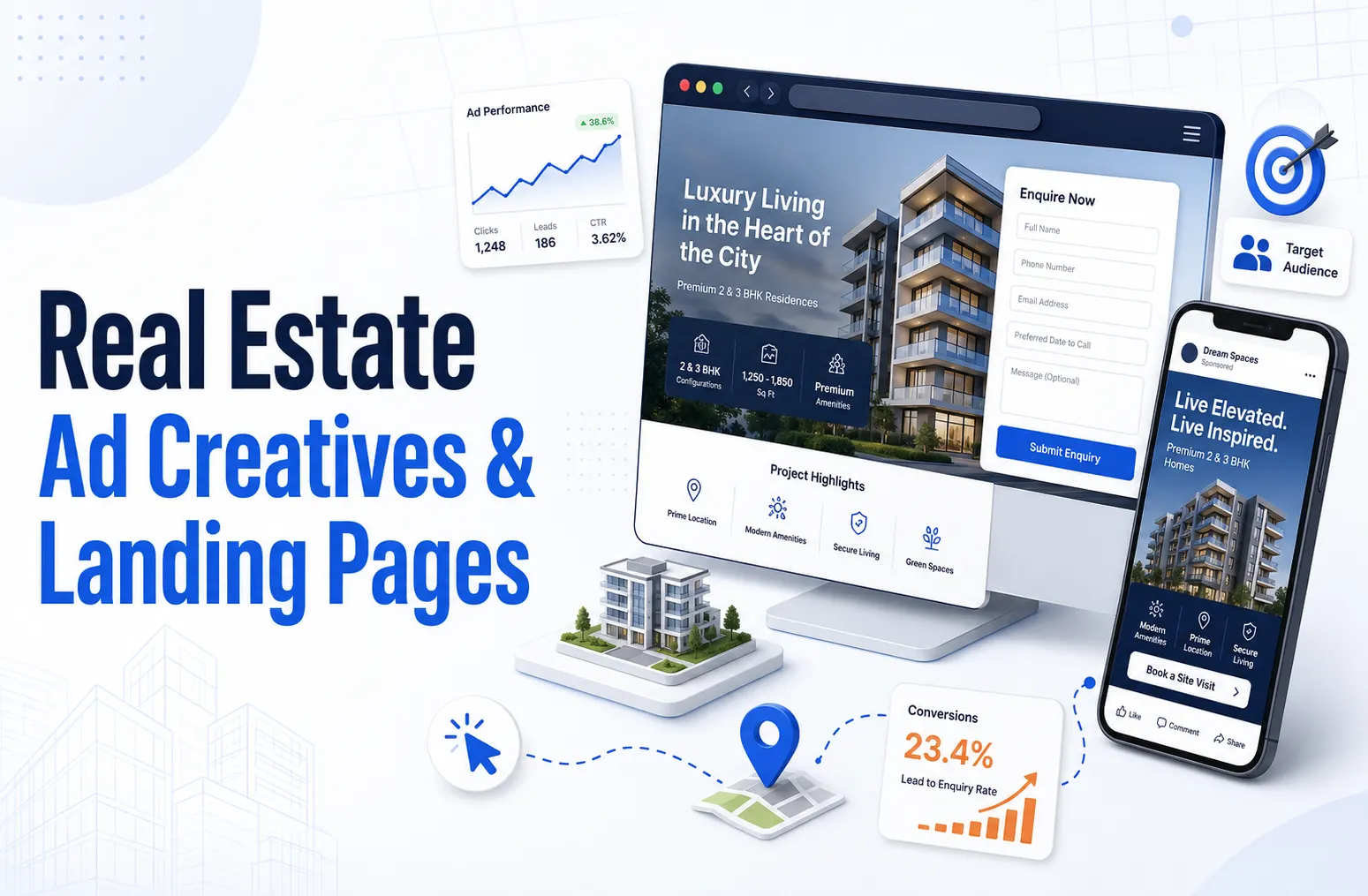
Real estate ad creative and landing pages: the 2026 conversion playbook
Real estate ad creative and landing pages are the two conversion levers that decide whether paid traffic turns into qualified pipeline or wasted spend. In 2026, the strongest operators run short vertical video that shows the actual unit with honest price, location, and possession details in the first three seconds, then send that traffic to a dedicated single-goal landing page rather than a homepage. Done well, this pairing lifts landing-page conversion rates to 8 to 15 percent for high-intent search traffic and cuts cost per qualified lead by 30 to 50 percent, because the creative qualifies the audience before the click and the page removes every reason to bounce after it.
July 17, 2026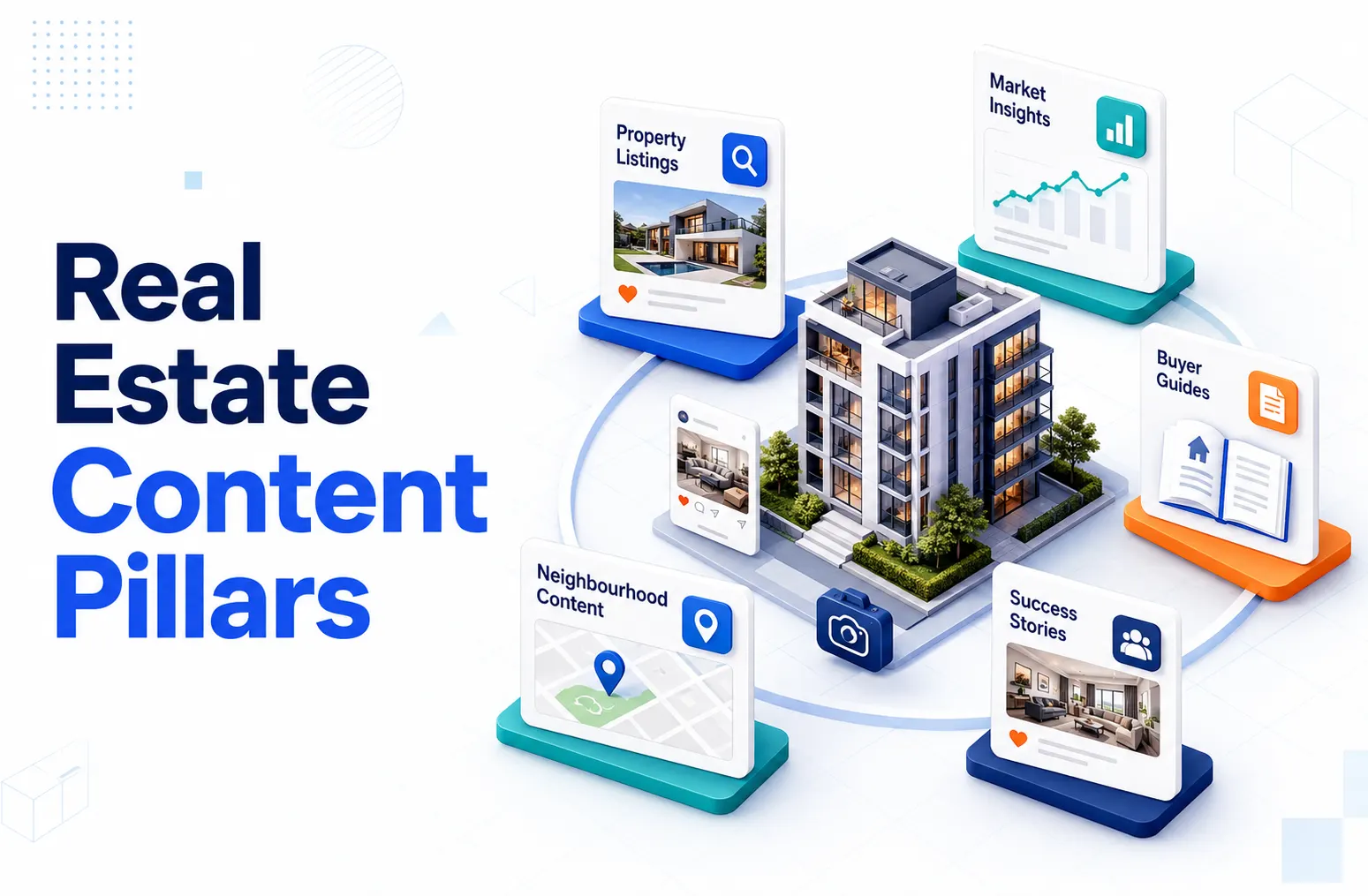 Real Estate
Real estate content pillars: how to build and execute your 4–6 pillar topics
Real estate content pillars are the four to six core topics an operator owns and publishes against consistently, each supporting 20 to 50 individual pieces over 24 months. The five pillars that drive the most measurable pipeline in 2026 are market reports, neighbourhood and city guides, buyer and seller education, operator playbooks, and original research. To execute them, assign every planned piece to one pillar, cluster related pieces into topic hubs that internally link to a central pillar page, and publish four to six pieces per month split across pillars. Done properly, a pillar-first structure compounds topical authority and lifts both Google rankings and AI search citation rates, rather than scattering effort across disconnected posts.
July 17, 2026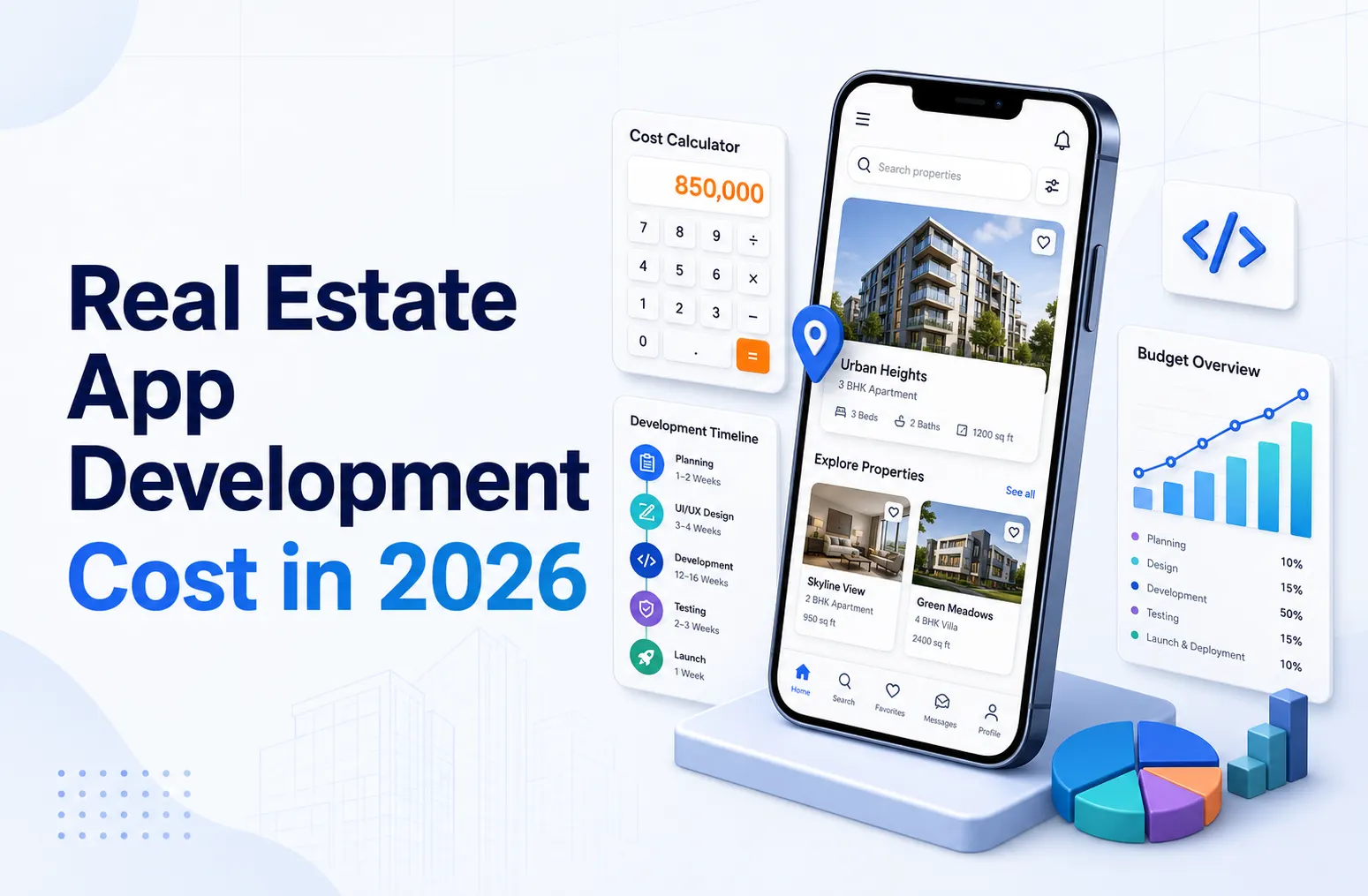 Real Estate
Real estate app development cost in 2026: full guide
Real estate app development in 2026 costs between USD 25,000 and USD 280,000+ depending on scope, platform, and feature depth. A single-platform MVP with basic listing and booking features starts at USD 25,000 to USD 45,000. A cross-platform iOS and Android app with CRM integration, payments, and native listings runs USD 65,000 to USD 140,000. A full property platform or coliving operating system with tenant portal, PMS integration, community features, and AI capabilities costs USD 140,000 to USD 280,000+. Most operators recover the build cost in 8 to 18 months through direct booking uplift and reduced third-party channel commissions.
July 17, 2026
Ready to book a 30-minute strategy call?
We'll map the right digital moves for your real estate business, no pitch deck, no commitment.