

Honey Saxnena
Digital Marketing Expert
Google Ads Conversion Tracking for Real Estate (2026)
Published June 1, 2026|13 min read
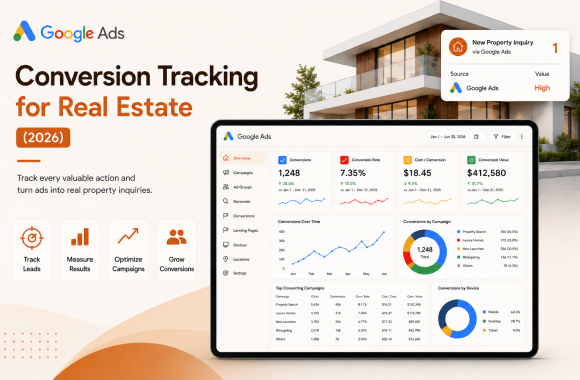
Google Ads conversion tracking for real estate is the practice of measuring every click that turns into a form submit, a qualified site visit, an attended viewing, and ultimately a signed deposit, then feeding that data back into Google so the platform's AI optimises against revenue rather than against vanity metrics. A complete 2026 setup runs across four layers: GA4 with server-side tagging through Google Tag Manager, Google Ads conversion actions wired to CRM stages, Enhanced Conversions for Leads pushing hashed first-party data back into the platform, and weekly offline conversion import from the CRM so closed deposits feed bidding decisions. Without this stack, 30 to 50 percent of paid spend is judged against the wrong outcomes and reallocated against the wrong channels.
What is Google Ads conversion tracking for real estate?
Google Ads conversion tracking for real estate is the instrumentation layer that connects paid Google Ads clicks to real business outcomes inside your sales pipeline. It does three jobs at once. It tells you which keywords, ads, and campaigns produce a qualified pipeline. It feeds that signal back into Google's bidding AI so the next campaign optimises against revenue, not against form fills. And it gives the leadership team a defensible attribution report that maps every closed deposit back to its first paid touch.
The tracking stack is more than a single tag on the thank-you page. In 2026, a properly configured real estate conversion tracking system has four interlocking layers: GA4, Google Tag Manager, Enhanced Conversions for Leads, and offline conversion import from your CRM. Each layer captures a different part of the buyer journey, and each layer fails differently when set up incorrectly. The job is to make all four work together.
This is the instrumentation that turns Google Ads from a guesswork channel into a predictable revenue source, and is the foundation our digital marketing service configures inside the first two weeks of every engagement.
Why does conversion tracking matter so much for real estate?
Three structural realities make conversion tracking more important in real estate than in almost any other category.
The sales cycle is long. A coliving booking takes 21 to 45 days. A residential purchase takes 60 to 180 days. A commercial leasing deal can take 6 to 12 months. Default Google Ads conversion windows expire long before most real estate deals close. According to Google's documentation on conversion windows, without offline conversion import the platform never sees the deposit signed 90 days after the click, which means the bidding AI has no idea which keywords actually produced revenue.
The data is fragmented across systems. Real estate funnels span Google Ads, GA4, the website, a CRM, possibly a separate booking platform, and often a manual sales team. Without explicit instrumentation, each system has its own definition of "lead" and the numbers never reconcile. Marketing reports leads, sales reports site visits, finance reports deposits, and nobody can agree on what the campaign actually produced.
Browser privacy controls keep tightening. Browser-side tracking has lost 18 to 35 percent of conversion signal since 2022 due to iOS Intelligent Tracking Prevention, Safari's restrictions, and the broader phase out of third party cookies. The Google Tag Manager server-side tagging documentation and Google's own measurement reliability research both confirm that server-side tagging is now table stakes, not an optimisation.
Add these three together and the conclusion is the same. Real estate Google Ads without proper conversion tracking is paid theatre. Real estate Google Ads with proper conversion tracking compounds into a measurable revenue engine. The companion piece on Google Ads for real estate lead generation covers the campaign structure that sits on top of this tracking foundation.
How does Google Ads conversion tracking work end-to-end?
A working setup runs across four connected layers, each handing data to the next.
Layer 1: GA4 captures the user journey. Every page view, scroll, form interaction, click, and outbound event on your real estate website fires into GA4 through Google Tag Manager. This is the raw behavioural data, recorded against a user identity that persists across visits.
Layer 2: Google Ads conversion actions fire on key events. When a user completes a key action (form submit, brochure download, callback request, calendar booking) a conversion event fires in Google Ads, attributed back to the original ad click within the conversion window.
Layer 3: Enhanced Conversions for Leads pushes hashed first-party data back to Google. When the user submits a form, the email or phone number they entered is hashed (one-way encrypted) and sent back to Google. Google matches that hashed identity against the original ad click, even when the cookie has expired or the user has switched devices. This recovers an average of 17 percent of conversion signal lost to browser privacy controls, per Google's Enhanced Conversions documentation.
Layer 4: Offline conversion import pushes CRM stage changes back to Google. When a lead in the CRM moves from "form submit" to "qualified" to "booked site visit" to "attended visit" to "signed deposit", each stage change is pushed back to Google Ads, weighted by its revenue contribution. The bidding AI now optimises against deposits, not form fills.
The four layers run continuously and feed each other. Without Layer 4, the Google Ads AI optimises against the wrong outcomes. Without Layer 3, browser privacy erodes the signal in Layers 1 and 2. Without Layer 1, the entire stack has no foundation.
Which conversions should you track for a real estate Google Ads campaign?
The default instinct is to track form submissions and stop. That is the most expensive shortcut in real estate paid marketing because the cheapest form submission is rarely the most valuable lead.
The right setup tracks five conversion actions, each weighted by its downstream revenue value.
Form submit fires when a user completes any lead capture form on the website. Counts as the primary entry point.
Qualified lead fires when a sales coordinator marks the lead as a real prospect (correct contact details, budget within range, location match, intent to transact). Typically 40 to 60 percent of form submits qualify.
Booked site visit fires when the lead self-books a viewing on the calendar or the sales team books one with them. Typically 15 to 25 percent of qualified leads book.
Attended site visit fires when the lead actually shows up to the viewing. Typically 60 to 75 percent of booked visits attend.
Signed deposit fires when the lead converts into a paying customer. This is the only conversion that maps directly to revenue.
Each conversion gets a different value in Google Ads (covered in the conversion value section below), and Google Ads is told to optimise for the bottom of the funnel using "Maximise Conversion Value" bidding rather than "Maximise Conversions" bidding. This is the single highest leverage change most real estate operators can make in their Google Ads setup.
How do you set up GA4 conversion tracking for Google Ads?
Five steps, in this order. None are optional.
Step 1: Install GA4 through Google Tag Manager. Do not paste the GA4 tracking code directly into the site template. Always route it through GTM so events can be modified, server-side tagging can be added later, and the marketing team can manage events without engineering involvement. Our website development team sets this up as standard during launch.
Step 2: Define conversion events. Inside GA4, mark the five conversion actions (form submit, qualified lead, booked site visit, attended visit, signed deposit) as conversion events. Use clear, lowercase event names with underscores, not spaces.
Step 3: Link GA4 to Google Ads. Inside GA4 Admin, link the property to your Google Ads account. This allows you to import GA4 conversions into Google Ads and surface Google Ads campaign data inside GA4 reports. Without this link, the two platforms cannot speak to each other.
Step 4: Import conversions into Google Ads. Inside Google Ads, navigate to Tools > Conversions > New conversion action > Import > GA4. Import the conversion events you marked in Step 2. Set the primary conversion action (the one Google Ads will optimise toward) to "signed deposit" with value-based bidding.
Step 5: Enable Google signals and cross-device tracking. Inside GA4 Admin, enable Google signals and cross-device reporting. This lets GA4 stitch user sessions across devices, capturing the buyer who searches on mobile during lunch, opens the brochure on their laptop in the evening, and books a viewing on tablet over the weekend.
How do you set up Enhanced Conversions for Leads?
Enhanced Conversions for Leads is the layer that recovers signal lost to browser privacy. The setup runs in three sub-steps.
Step 1: Capture the hash-ready data on every form. Every form on the website must capture email or phone number (ideally both). On submission, the data is hashed (SHA-256) and pushed into the dataLayer through Google Tag Manager. The user-readable data never leaves your domain; only the hash does.
Step 2: Configure the Enhanced Conversions tag in GTM. Create a new Google Ads Conversion Tag in GTM with Enhanced Conversions enabled. Map the email and phone fields from the dataLayer to the Enhanced Conversions parameters. Set the conversion action to match the Google Ads conversion you imported earlier.
Step 3: Verify the setup inside Google Ads. Inside Google Ads, navigate to Tools > Conversions > Diagnostics. The Enhanced Conversions status will show "Recording" once the first conversions flow through. If the status shows "Inactive" or "Issues", check that the email and phone fields are populating correctly in the dataLayer.
According to Google's Enhanced Conversions for Leads documentation, advertisers running Enhanced Conversions for Leads see an average 17 percent improvement in measured conversions and a corresponding lift in bidding model accuracy. For real estate accounts spending USD 10,000 a month or more, this single setup typically pays for the entire instrumentation engagement.
How do you set up offline conversion tracking from your CRM?
Offline conversion import is the layer that closes the attribution loop between paid clicks and real revenue. This is where the heaviest engineering lift sits in a real estate Google Ads setup, but also where the biggest payoff lives.
Step 1: Capture GCLID on every form submit. When a user clicks a Google Ads ad, the URL carries a Google Click Identifier (gclid) parameter. Every form on the website must capture this gclid as a hidden field and pass it into the CRM record alongside the lead's contact data. Without the gclid, offline conversions cannot be matched back to clicks.
Step 2: Map CRM stage changes to conversion actions. Inside your CRM (Salesforce, HubSpot, Zoho, Follow Up Boss, or a custom system), define which stage changes correspond to which Google Ads conversion actions. Stage "Qualified" maps to conversion action "qualified_lead". Stage "Visit booked" maps to "booked_site_visit". Stage "Deposit received" maps to "signed_deposit".
Step 3: Wire the CRM to Google Ads through API or Zapier. Every time a lead changes stage in the CRM, an automation fires that pushes the gclid, conversion action name, conversion timestamp, and conversion value to the Google Ads API. The cleanest setup uses the Google Ads Offline Conversion API directly. Lower-engineering setups use Zapier or Make to bridge the systems. Our systems integration team builds this layer for most operators in 7 to 14 days.
Step 4: Verify conversions are landing in Google Ads. Inside Google Ads, the imported offline conversions should appear within 6 to 24 hours of the CRM stage change, attributed back to the original click. If the conversions are missing, the most common culprits are missing gclid in the CRM record, an expired conversion window (over 90 days from click), or an incorrect conversion action name in the API payload.
Without this layer, Google Ads has no idea which clicks turned into deposits, which means it cannot optimise toward your most valuable conversions. With this layer in place, the bidding AI compounds over 60 to 90 days into a campaign that produces 2 to 4 times the cost-per-deposit efficiency of an account without offline tracking.
What conversion values should you assign for real estate?
Conversion value bidding only works when the values you push reflect real downstream revenue contribution. Pushing every conversion at USD 1 is functionally the same as not pushing values at all.
The framework we use across marketing engagements at Noseberry Digitals weights values based on the expected revenue from each stage.
Form submit value: A small fraction of expected revenue per closed deal, reflecting the probability that a form submit becomes a deposit. For a residential developer where the average gross margin per closed unit is USD 30,000 and the form-submit-to-deposit conversion rate is 0.6 percent, the value would be USD 180.
Qualified lead value: Higher than form submit, lower than booked visit. For the same developer, the value would be USD 540 (qualified-to-deposit conversion rate of about 1.8 percent).
Booked site visit value: Higher again, reflecting the genuine intent of someone who committed time to view the property. Value around USD 2,200 (booked-to-deposit conversion rate around 7 percent).
Attended site visit value: Higher again. Value around USD 3,200 (attended-to-deposit conversion rate around 11 percent).
Signed deposit value: The full gross margin per unit. Value USD 30,000 (or whatever your real average per-unit margin is).
Once these values are wired through GA4 conversion events and the offline import API, switch Google Ads bidding to "Maximise Conversion Value" with a target ROAS (return on ad spend) appropriate to your business model. The AI now bids harder on the clicks most likely to deliver deposits, and pulls back on clicks that look cheap but produce nothing past the form submit. This is the single highest leverage move in a real estate Google Ads account.
How do you troubleshoot Google Ads conversion tracking?
Five symptoms cover 90 percent of the conversion tracking issues we audit out of real estate accounts.
Conversions are reporting in Google Ads but not in GA4 (or vice versa). This is usually a tag duplication problem. Either the Google Ads conversion tag and the GA4 conversion tag are firing on the same event with different rules, or one of them is firing twice. Audit through GTM preview mode and confirm each conversion fires exactly once per qualifying user action.
Enhanced Conversions status shows "Issues" or "Inactive". The most common cause is the email or phone field not populating correctly in the dataLayer. Open the live site, submit a test lead with developer tools open, and verify that the dataLayer contains a hashed email value at the moment the conversion tag fires.
Offline conversions never appear in Google Ads. Three usual culprits. The gclid was never captured on the form. The conversion is older than 90 days from the original click and outside the window. The CRM is pushing the wrong conversion action name to the API. Each one is straightforward to diagnose once you have a single test record to trace through the pipeline.
Conversion numbers do not reconcile across platforms. Google Ads, GA4, and the CRM will rarely show identical numbers because each platform attributes differently and deduplicates differently. The right reconciliation target is "within 10 percent across the three systems for a 30 day rolling window". Outside that band, there is a real instrumentation gap.
Cost per conversion is suddenly spiking. Before assuming the market changed, audit whether your tracking changed. A tag deployment, a CMS migration, or a CRM workflow update can break conversion tracking silently. Run an end-to-end test from ad click to CRM deposit at least monthly to catch these regressions before they cost a budget cycle.
For deeper conversion-flow audits, the free marketing audit tool on the Noseberry site walks through a structured self-check, and we run a full attribution audit as part of every paid marketing engagement.
How do you maintain Google Ads conversion tracking long term?
Conversion tracking is not a setup task. It is an ongoing operating discipline. Three habits separate the accounts that compound from the accounts that decay.
Weekly reconciliation review. Every Monday, compare Google Ads conversions, GA4 conversions, and CRM deposits for the previous week across a 30 day rolling window. Flag any campaign where the three numbers diverge by more than 15 percent.
Monthly end-to-end test. Submit a test lead through a live campaign every month. Trace it from ad click through to CRM stage change and confirm every layer fires correctly. Catches silent regressions before they distort a quarter of data.
Quarterly tag audit. Open Google Tag Manager and audit every tag, trigger, and variable in the container. Remove deprecated tags, consolidate duplicates, and document the purpose of every active tag in the description field. Containers that go six quarters without an audit accumulate so much technical debt that the conversion data becomes untrustworthy.
These three habits are the difference between a Google Ads account that compounds into a USD 5 million attributed pipeline year over year and an account that quietly drifts until nobody trusts the data.
Sources and further reading
External research and authoritative documentation
Google Ads Help Center, conversion tracking overview
Google Ads Help Center, Enhanced Conversions for Leads
Google Ads Help Center, conversion windows
Google Analytics 4 documentation
Google Search Central, real estate structured data
Harvard Business Review, the short life of online sales leads
WordStream, Google Ads industry benchmarks
Ready to make every Google Ads click measurable?
Share your current Google Ads account, your CRM platform, and a sample of your conversion data. A 30-minute audit covering GA4 setup, Enhanced Conversions for Leads, offline conversion import, and CRM integration comes back within 5 business days. No commitment, no slides, just a clear map of where the tracking gaps are and what to fix first.
Why trust Noseberry
Our content is written by practicing real-estate and PropTech professionals, fact-checked by a dedicated editorial team, and reviewed against the latest industry data before publication.
- 10+ years of industry expertise
- All facts independently verified
- No sponsored rankings in guides
- Updated when the industry changes
Related insights
 Real Estate
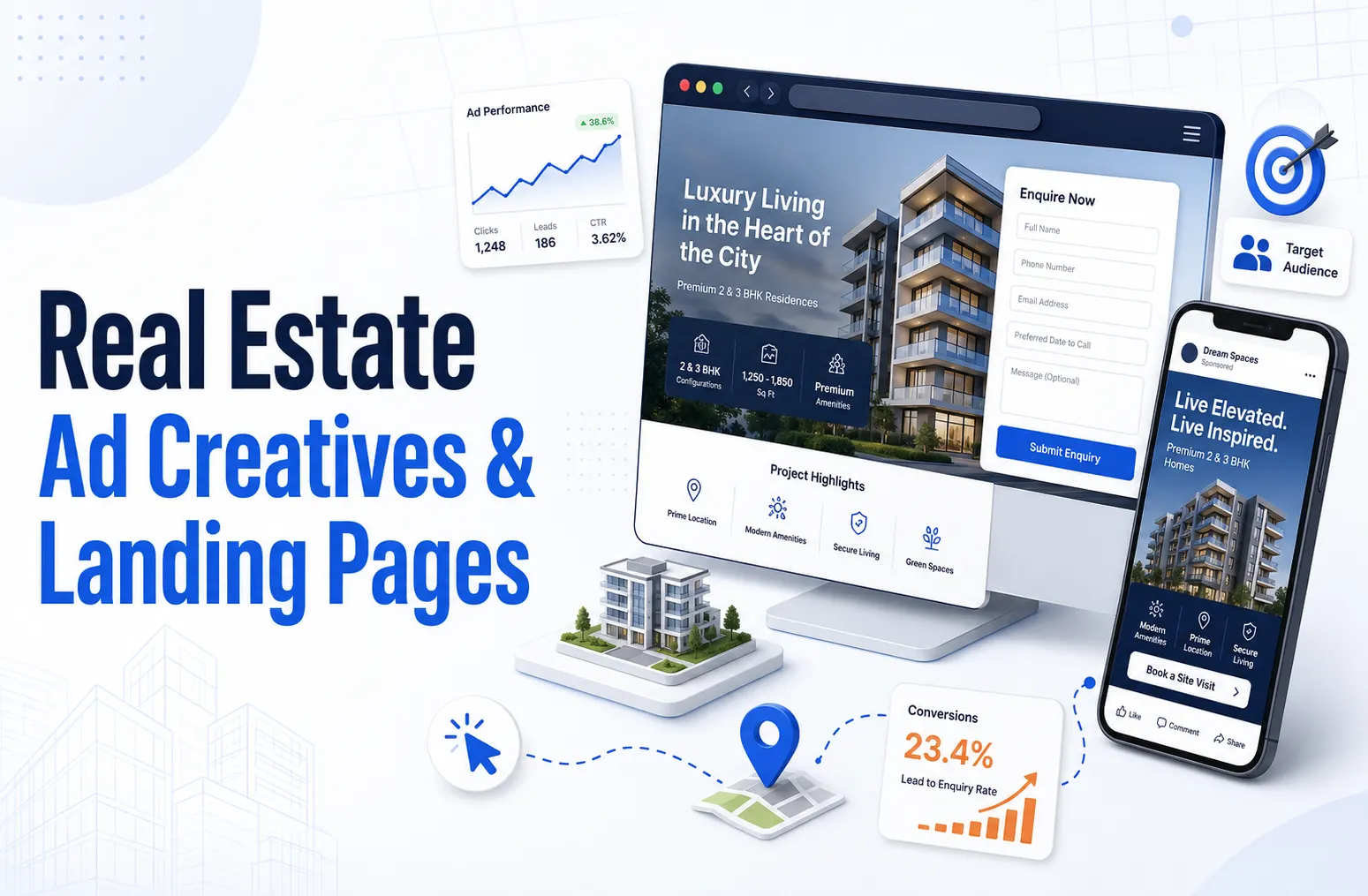
Real estate ad creative and landing pages: the 2026 conversion playbook
Real estate ad creative and landing pages are the two conversion levers that decide whether paid traffic turns into qualified pipeline or wasted spend. In 2026, the strongest operators run short vertical video that shows the actual unit with honest price, location, and possession details in the first three seconds, then send that traffic to a dedicated single-goal landing page rather than a homepage. Done well, this pairing lifts landing-page conversion rates to 8 to 15 percent for high-intent search traffic and cuts cost per qualified lead by 30 to 50 percent, because the creative qualifies the audience before the click and the page removes every reason to bounce after it.
July 17, 2026 Real Estate
Real estate content pillars: how to build and execute your 4–6 pillar topics
Real estate content pillars are the four to six core topics an operator owns and publishes against consistently, each supporting 20 to 50 individual pieces over 24 months. The five pillars that drive the most measurable pipeline in 2026 are market reports, neighbourhood and city guides, buyer and seller education, operator playbooks, and original research. To execute them, assign every planned piece to one pillar, cluster related pieces into topic hubs that internally link to a central pillar page, and publish four to six pieces per month split across pillars. Done properly, a pillar-first structure compounds topical authority and lifts both Google rankings and AI search citation rates, rather than scattering effort across disconnected posts.
July 17, 2026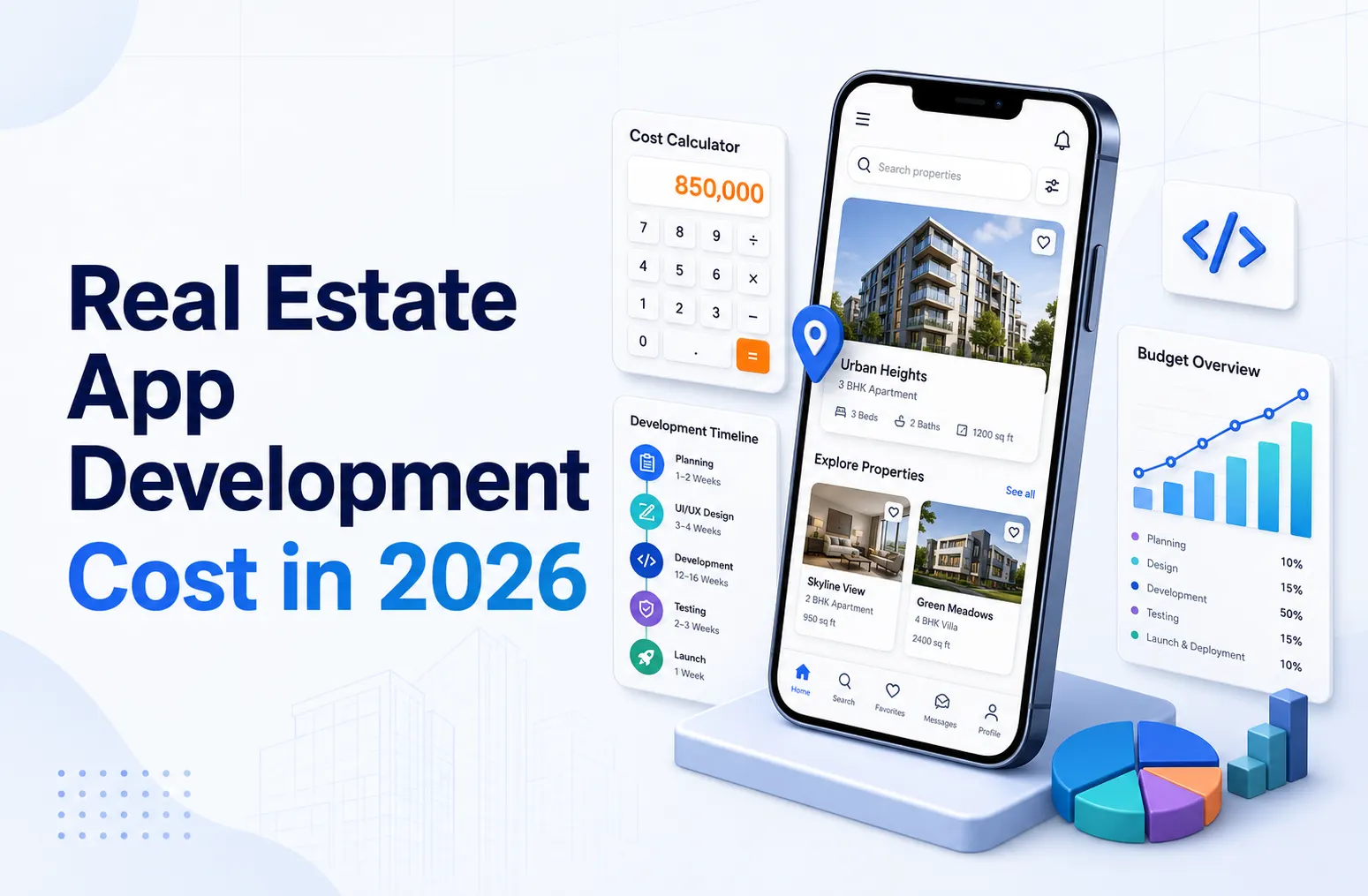 Real Estate
Real estate app development cost in 2026: full guide
Real estate app development in 2026 costs between USD 25,000 and USD 280,000+ depending on scope, platform, and feature depth. A single-platform MVP with basic listing and booking features starts at USD 25,000 to USD 45,000. A cross-platform iOS and Android app with CRM integration, payments, and native listings runs USD 65,000 to USD 140,000. A full property platform or coliving operating system with tenant portal, PMS integration, community features, and AI capabilities costs USD 140,000 to USD 280,000+. Most operators recover the build cost in 8 to 18 months through direct booking uplift and reduced third-party channel commissions.
July 17, 2026
Ready to book a 30-minute strategy call?
We'll map the right digital moves for your real estate business, no pitch deck, no commitment.